
Capture the conversation
Record and transcribe, then turn what was said into a useful note.
Meeting notes, chat and studio, with private AI
Record a meeting and get a clear note. Ask questions about everything you have written. Create images, voices and films. One app, on your computer.
For Mac, Windows and Android Start locally

From moment to meaning
Sub Rosa gives every conversation somewhere to go.
Record and transcribe, then turn what was said into a useful note.
Write freely, ask questions of your notes and create in Studio.
Work locally. Connect your account when you want encrypted continuity across devices.
A wider canvas
Move from a passing thought to an image, a voice or a film in Studio. The result appears where you are looking, with its price next to the button.
The image models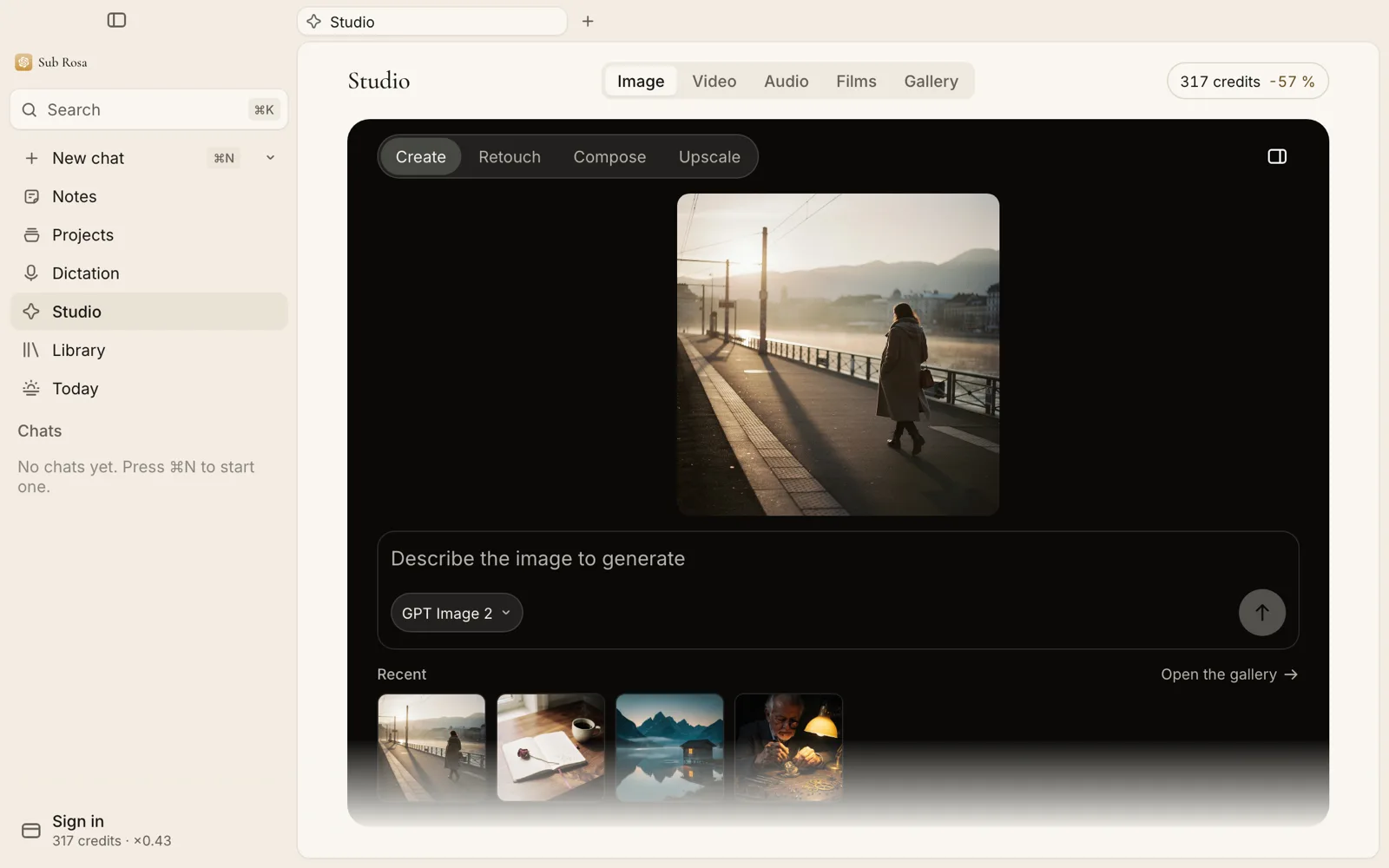



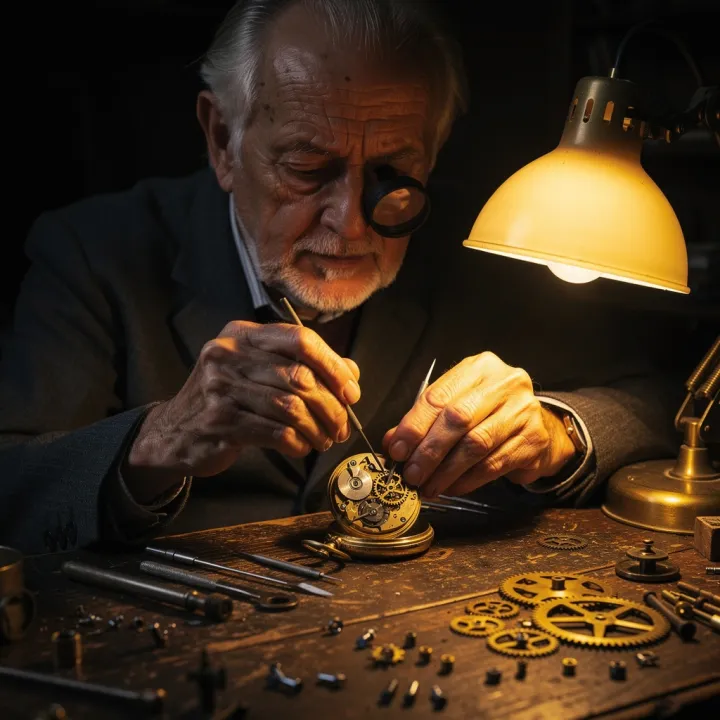
Made in Studio with Flux 2 Pro, about 1.4 credits each.
What it costs
The app is free. AI work is paid with Carpe Diem credits, one credit per US cent, without a subscription.
With the least expensive private model of each kind. Every model shows its own price in the catalog. Model catalog
Your space, your decision
You can use Sub Rosa locally with your Carpe Diem key. An optional account brings encrypted content to your other devices when you decide to turn sync on.
How your data is handledNo. The app is free and open source. You pay only for the AI work you ask for, in Carpe Diem credits.
On your computer. If you turn on sync, they are encrypted on your device before they leave it.
You choose the model for each task among 100 families, from small private models to the strongest ones. The catalog describes each one. Model catalog
Writing, reading and recording, yes. Transcription, chat and Studio need a connection.
Mac (Apple Silicon and Intel) and Windows. An Android version is available for testing.
Lumen Labs, in Geneva. The code is public, and every release is built from it. Legal notice
Begin here