
Studio
Plan and assemble a film
Keep a story, shots, takes and a montage together.
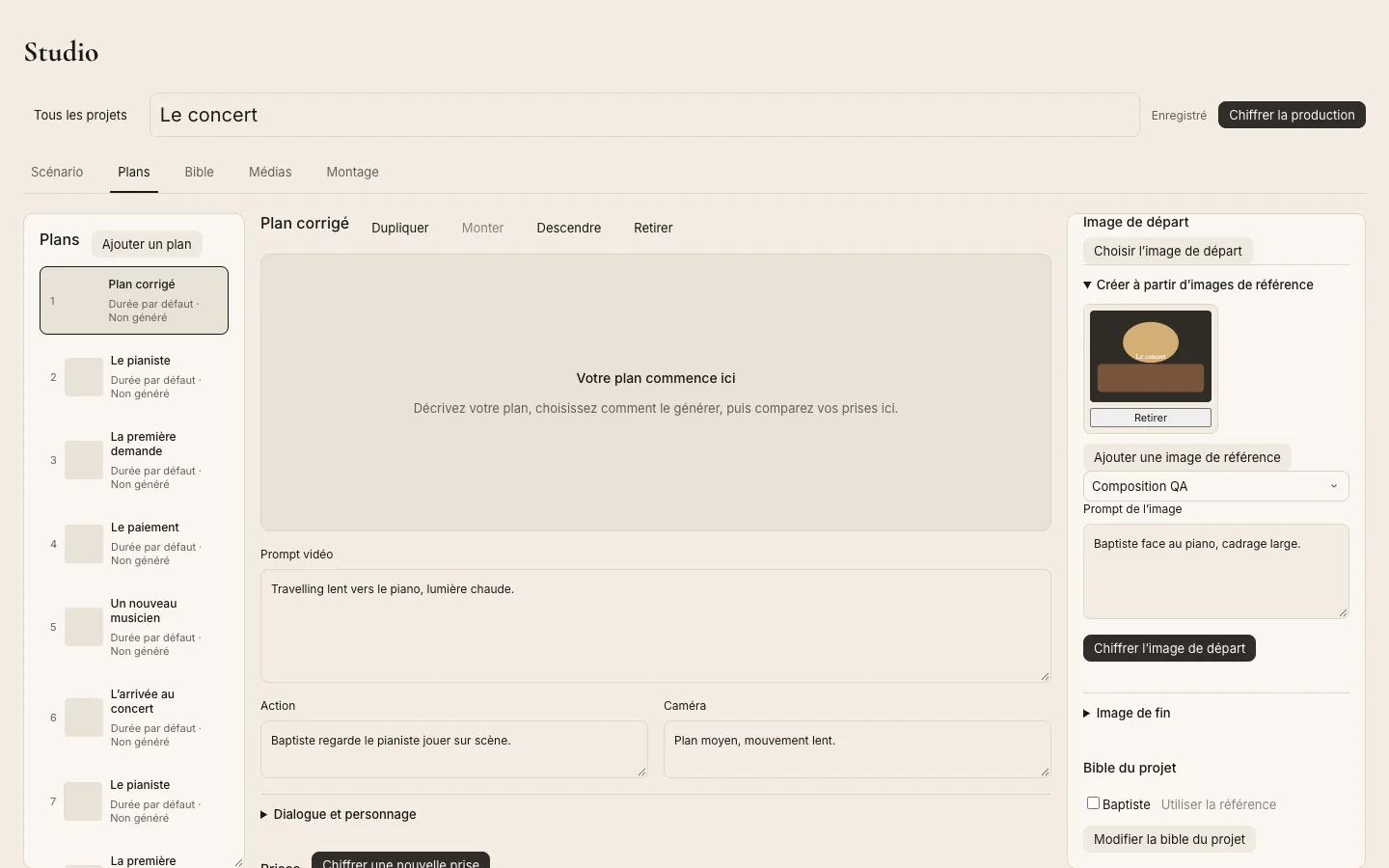
Build the project
Create a film project in Studio. Use its scenario, shot list and bible to keep characters, places and visual direction consistent. Review each shot prompt and reference before generating a take, because video generation uses credits.
Assemble the montage
Select takes, arrange clips and adjust their timing in the montage. The montage is editable separately from the takes, so changing a clip does not overwrite the source media. Check export compatibility and keep the app open while a local export runs.