Studio
Create media in Studio
Generate images, video, speech, music and sounds.
Compare the models ↗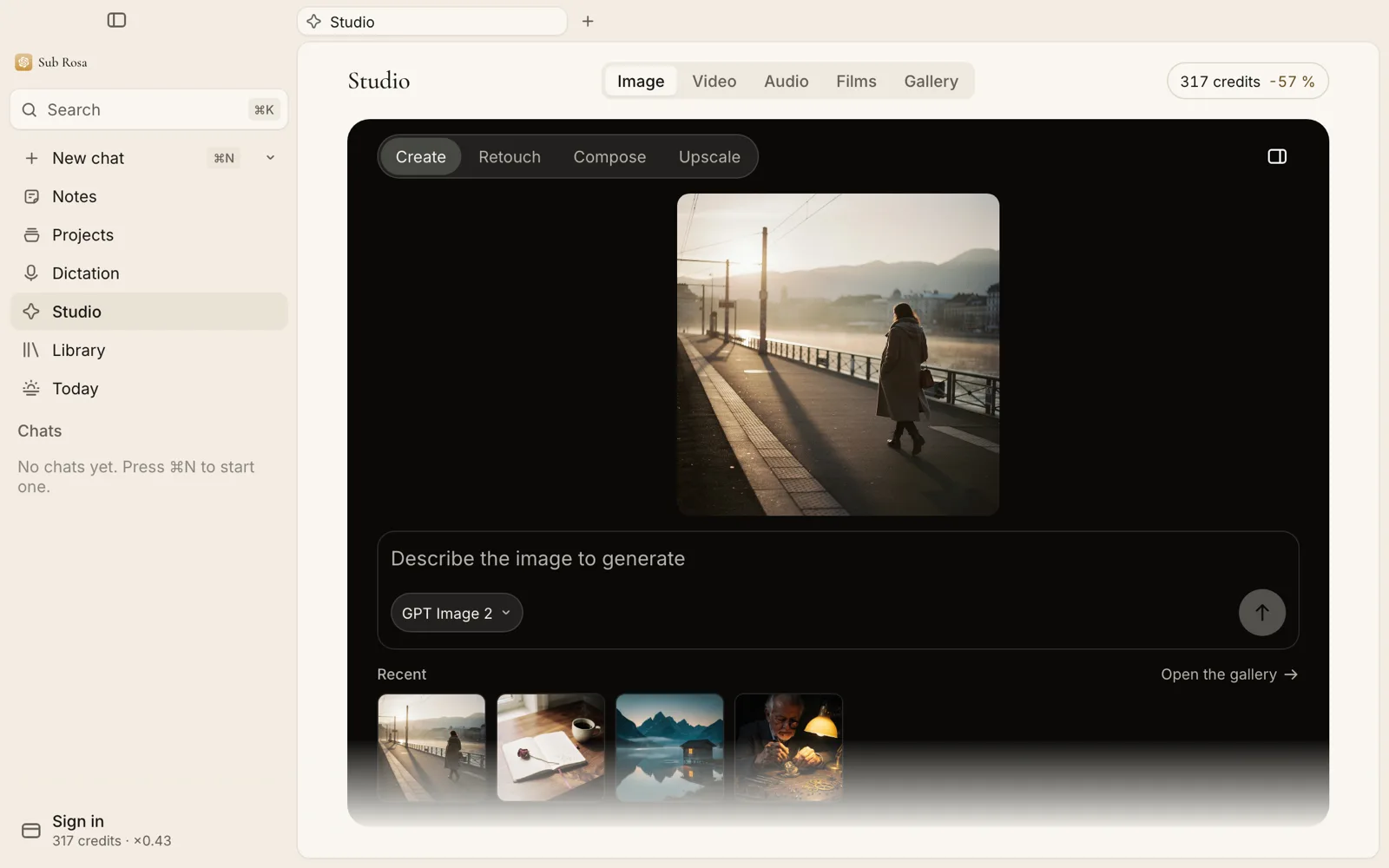
Choose the result
Start in Studio and choose image, video, speech, music or sound effects. Each path offers its own controls and available models. Model availability and credit prices can change; review the options shown in the app.
Generate and keep the result
Describe what you want, review the settings and quoted cost, then start the generation. Long jobs have a durable status and can resume after the app returns. Find completed results in the Studio gallery.